
Know where to push back
See where to push back, where there’s room to negotiate, and what can stay. Recommendations reflect the deal, the negotiation history, and the client’s latest instructions.
Review contracts, research points of law, and draft legal documents with the matter’s context in view. Alloomi brings together the client correspondence, files, and playbooks you authorize. You review the work and make the judgment calls.
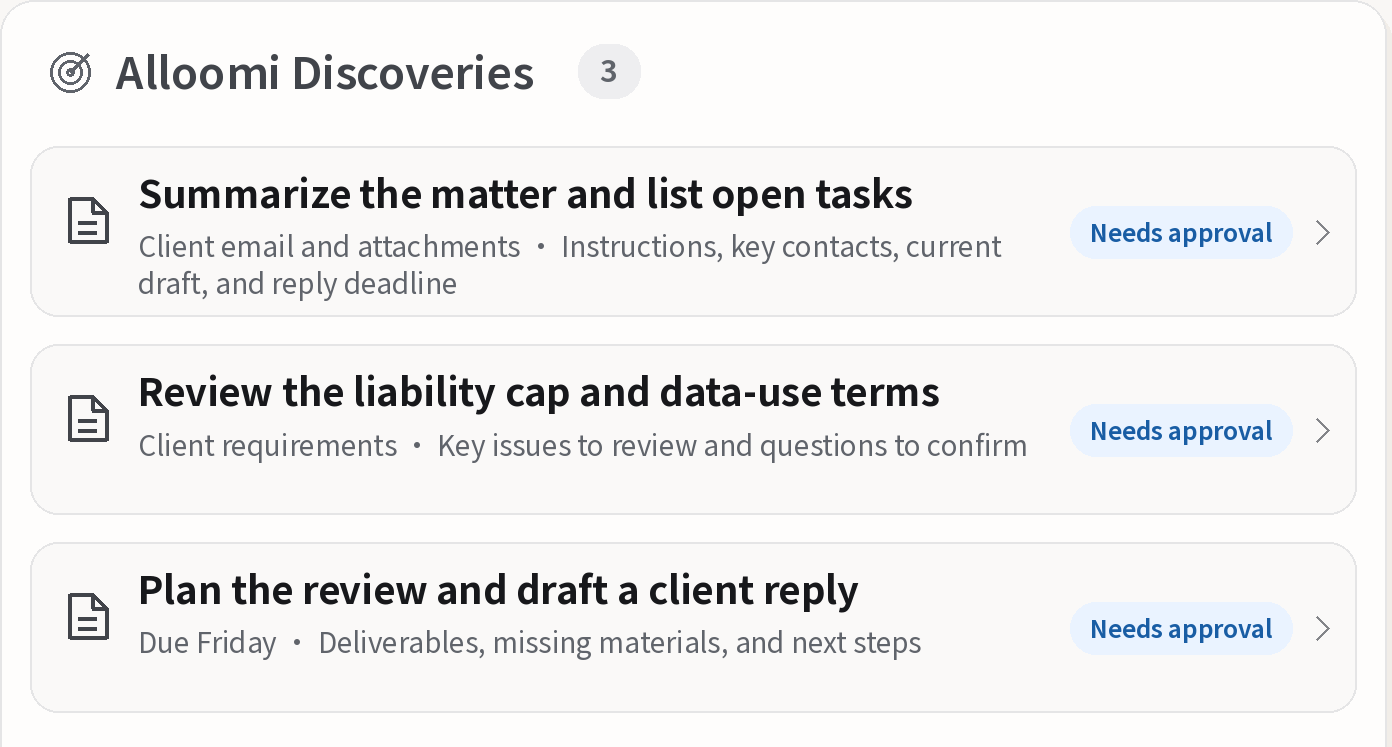
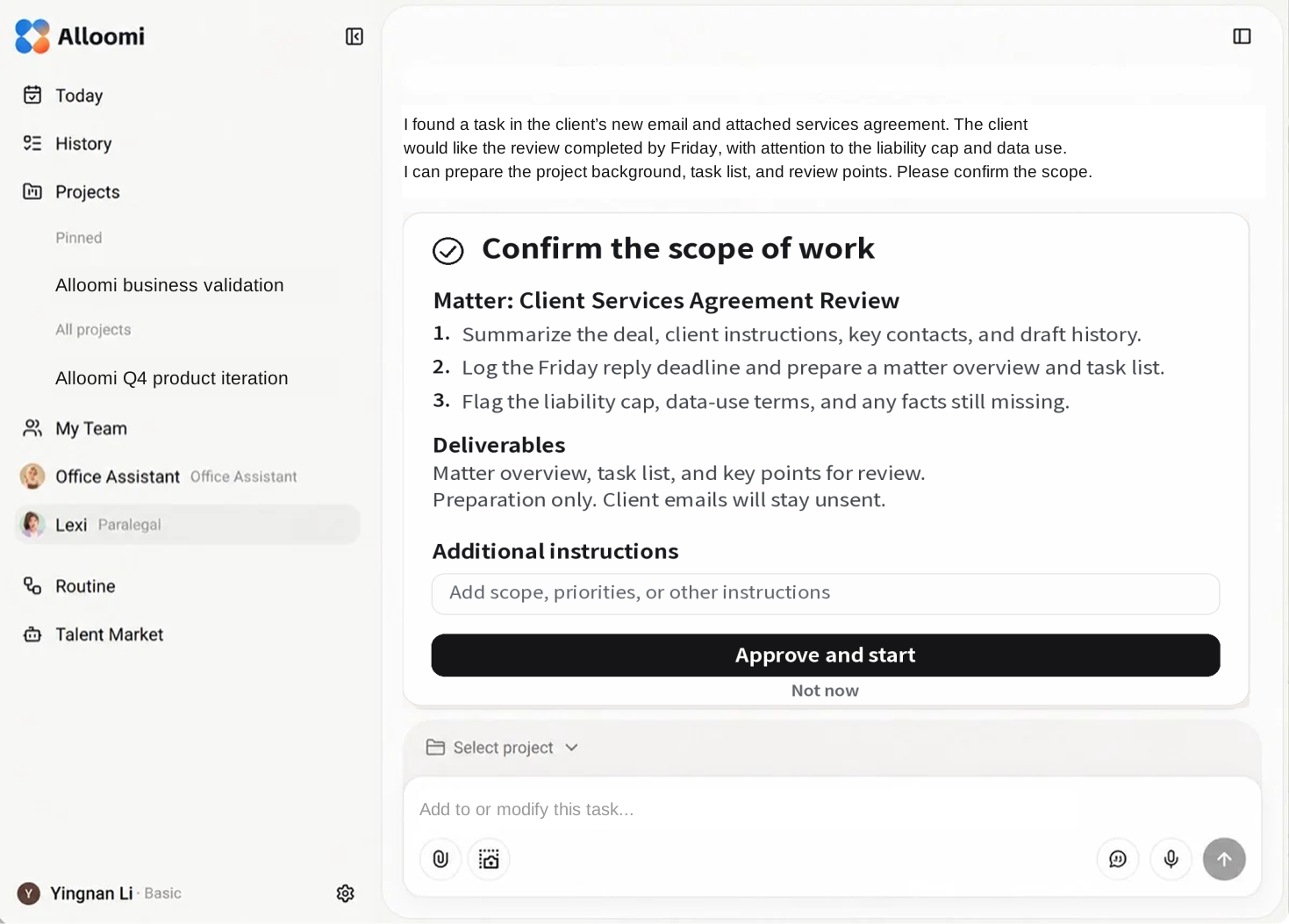
Assign a task directly or pick up an item Alloomi flags. If a client sends a revised agreement to a connected inbox, Alloomi can surface the draft, the reply deadline, and the matter files you’ll need. Check the sources and approve the scope before work begins.
See the client’s instructions, the latest agreement, and the response deadline together. Spot conflicting instructions and missing facts.
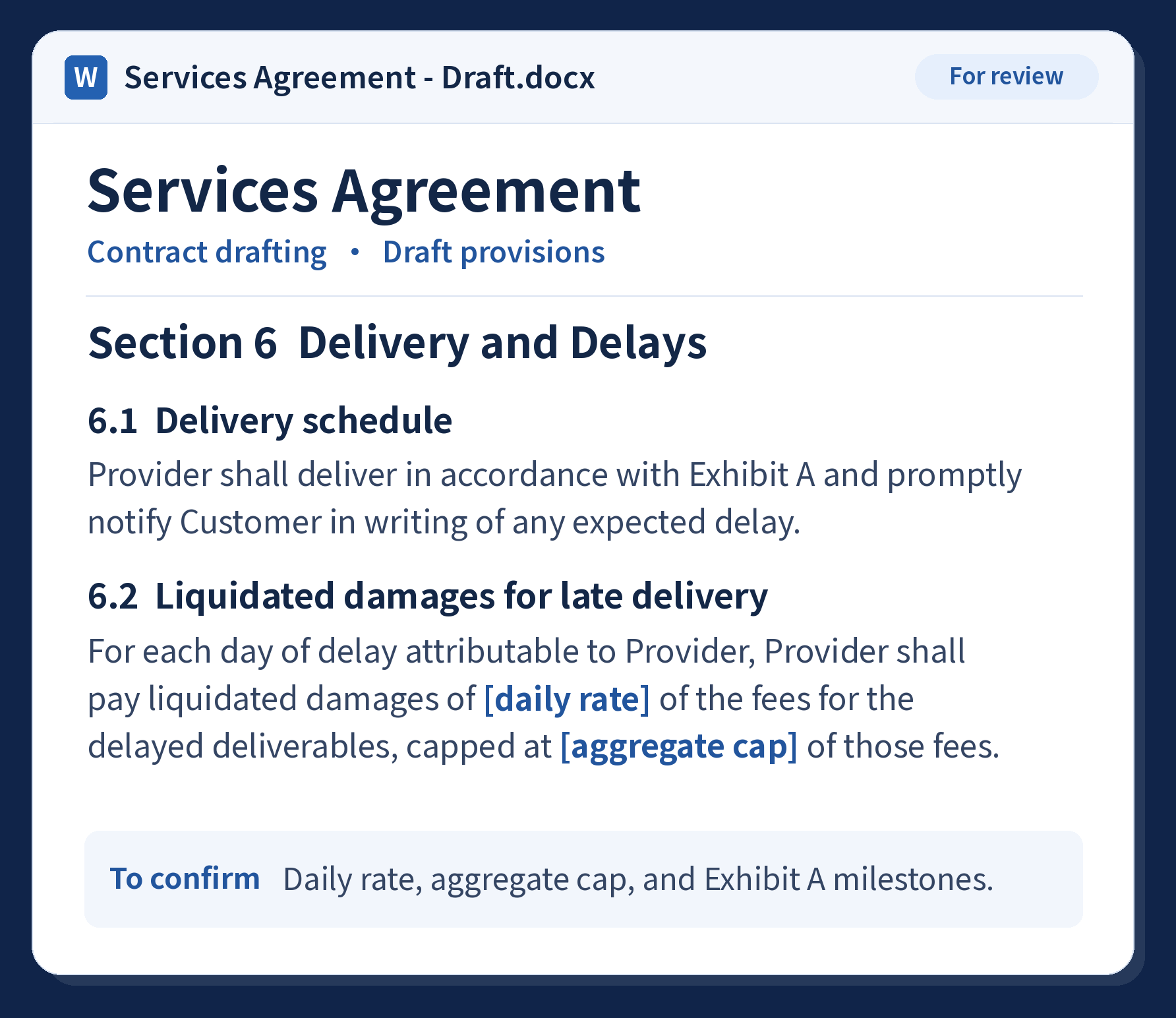
Alloomi reads the agreement alongside client correspondence, negotiation notes, and your playbook. It flags risks, explains its reasoning, and proposes edits. In the built-in Word editor, you can review each change against the original and decide what to accept, revise, or skip.
See where to push back, where there’s room to negotiate, and what can stay. Recommendations reflect the deal, the negotiation history, and the client’s latest instructions.
Check delivery deadlines, quantities, and acceptance terms against how the deal will work in practice. Flag what the client still needs to confirm.
Check the clause and source materials behind the recommendation. See what Alloomi assumed and which facts still need to be verified.
Open a Word file with tracked changes and include the other side’s edits in this round of review.
Work through proposed edits and comments in the built-in Word editor. Apply edits with tracked changes and keep editing the same document.
Export a Word redline or a clean copy for the next round.
Upload the agreement and tell Alloomi which party you represent and which terms matter most. Add client instructions, negotiation notes, a checklist, or your playbook for more tailored recommendations.
Yes. Include the governing law and jurisdiction in your instructions. Available sources vary by jurisdiction and task. Check cited authorities against the agreement and verify that they are current and applicable.
Alloomi can use authorities you provide and look up relevant statutes and cases when a review calls for it. The same sources can support legal research and drafting. Availability depends on the jurisdiction, the task, and access rights.
Open the cited source to see whether it supports the recommendation and still applies. Access to full opinions and PDF downloads depends on the publisher. If a source is unavailable, you can provide the document or check another source.
Yes. Review redlines and comments in the built-in Word editor while keeping the original clause numbering and formatting. Export a working draft with tracked changes or a clean copy, depending on the available export options.
Start with the question, the facts, and the client’s objective. Alloomi can research points of law and organize the analysis in a memo you can review. Use the findings, client instructions, and your template to draft a clause, prepare an exhibit, or explain what changed.
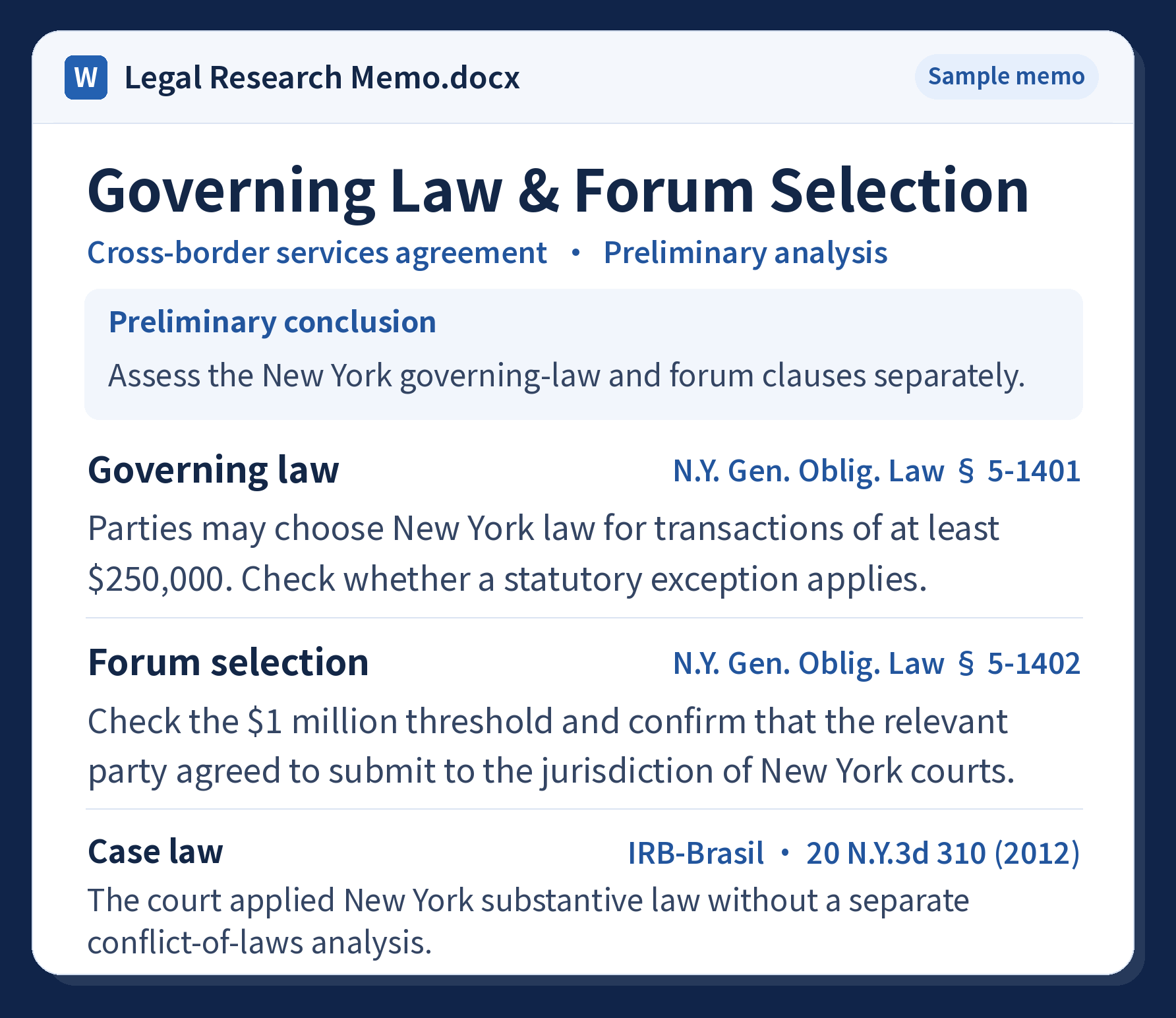
Set out what the client needs, which law to research, and what you know so far. Flag any missing facts that could affect the analysis or the draft.
Check the cited statutes, regulatory materials, and cases against the original sources. See how each authority applies, where sources disagree, and what still needs verification.
A memo sets out the conclusion, sources, risks, and options. A draft puts confirmed instructions into document language and flags open questions where they affect the text.
Yes. Share your documents, templates, or instructions, and tell Alloomi what to keep. It can also work from the files and instructions you provide for the matter and flag missing facts in the draft.
All three can draw on applicable legal sources and on statutes, cases, or references your team provides. Open the source links when available to check the authority, version, and applicability. Coverage and access vary by jurisdiction and task.
Yes. Specify the governing law or list the jurisdictions and questions to cover. Alloomi can organize the findings by jurisdiction with supporting citations and the conditions that affect the analysis. Coverage and access vary.
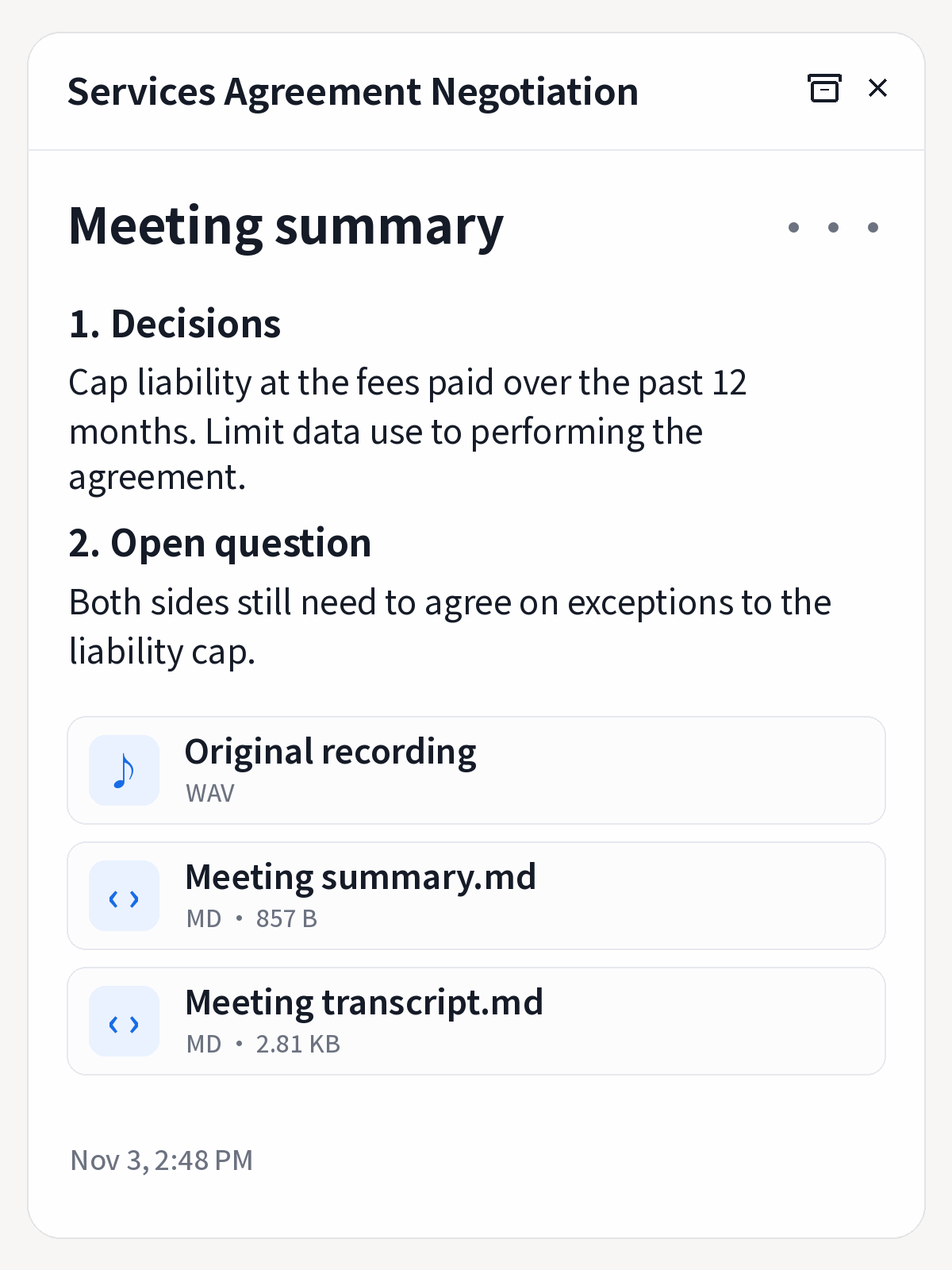
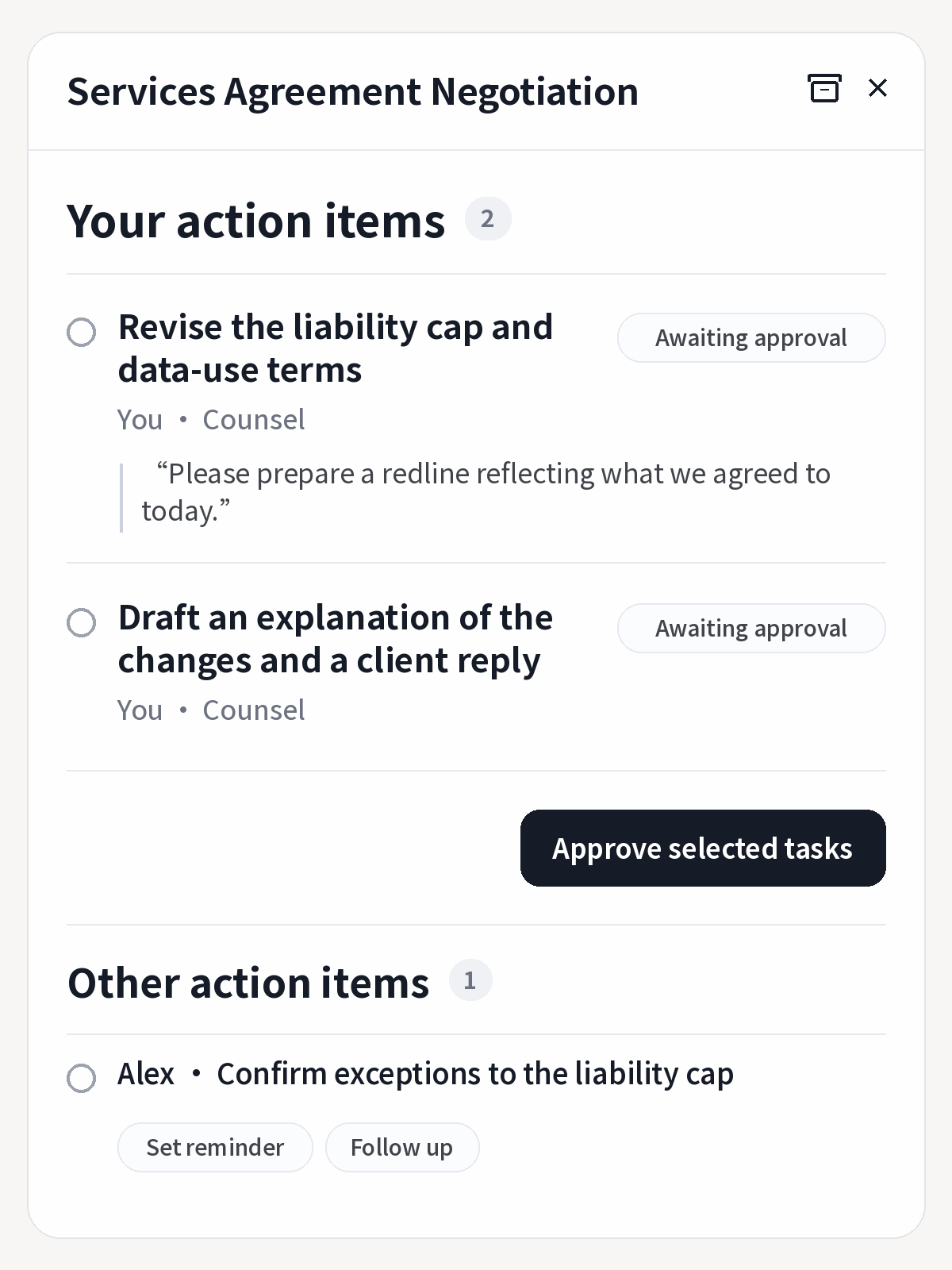
Get a summary of what was decided, what’s still open, and who owns each next step. If the parties agree to limit data use to performing the agreement but leave exceptions to the liability cap open, you can verify the discussion and approve the next redline or client reply.
Alloomi can detect a meeting in progress and prompt you to record. Once you approve, it captures the discussion and identifies speakers for you to verify afterward.
Separate agreed revisions from issues still open, with the recording and transcript available to check the original discussion.
Distinguish your tasks from other people’s work and unresolved decisions. Check the source, then approve the work or set a reminder.
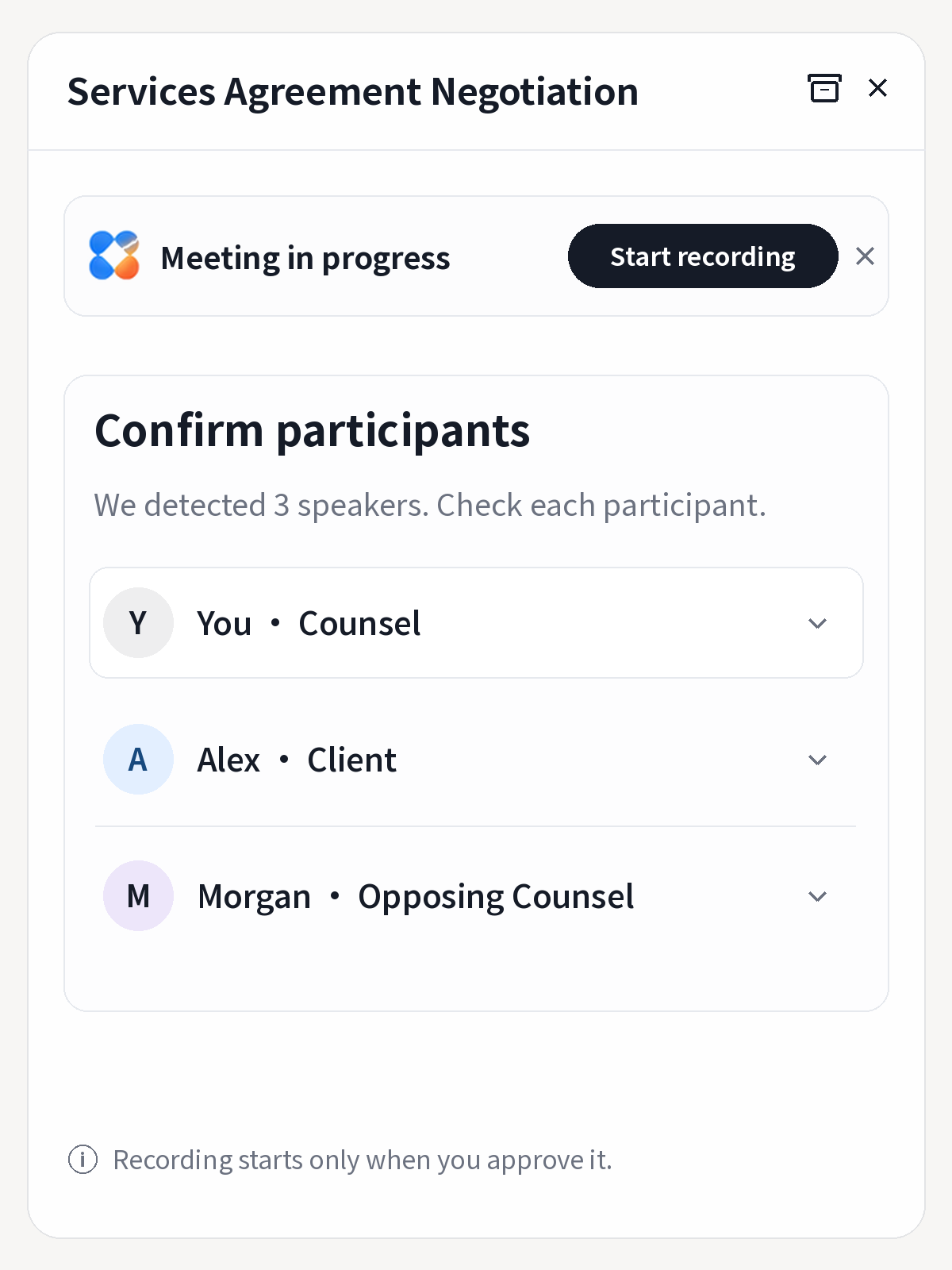
Yes. Link the recording, notes, transcript, and action items to the matter. Revisit the decisions and follow-up there without exporting and filing each item separately.
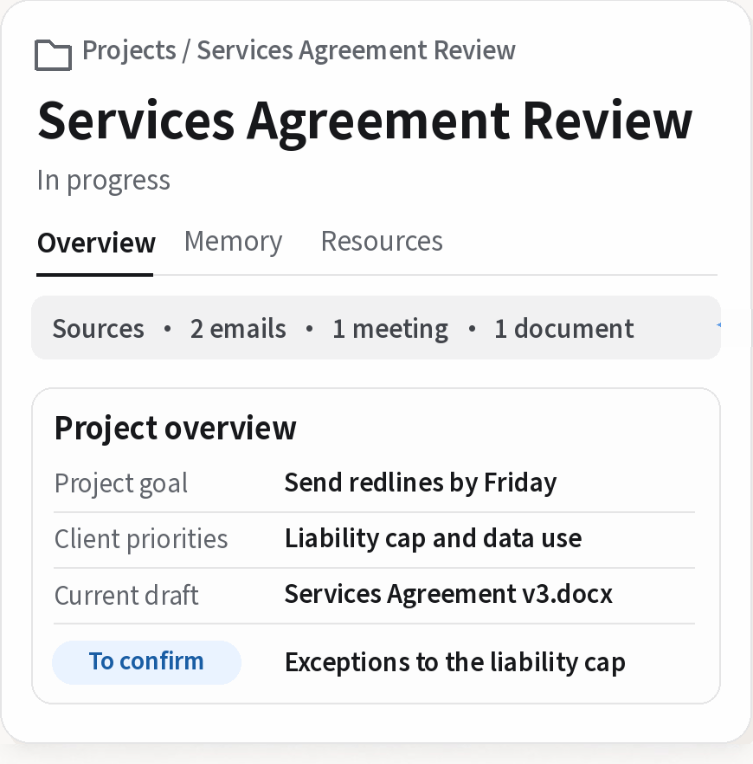
Compare new emails, decisions, and drafts with the matter history. If opposing counsel accepts the liability cap and adds a data-use exception, Alloomi can flag the new language against the agreed restrictions so the negotiating team knows what to revisit.
Link new client instructions, negotiation feedback, or drafts and retain the source and version.
Flag how new exceptions differ from prior decisions. Update open issues and deadlines.
See what needs attention and why. Confirm the scope for the next round.
Review the next redline or client reply and keep the outcome with the matter.
Keep facts, decisions, versions, deadlines, and open tasks together. When a new message comes in, see which tasks it affects without having to reconstruct the matter history.
Use edits, decisions, and feedback on results to improve workflows after validation. Keep track of which clients and matters each rule applies to.